251 (edited by Uto 2018-02-24 11:09:18)

Re: New NMI handler / .commands

david_ps wrote:

Hi, it's possible to control execution of OUT (255),0 by a flag on nmi.cfg. Please edit byte 0 of nmi.cfg and change value 0 by 1 and load NMI navigator wink It's possible to do something similar for the OUT instruction.


I'll check later, but if that config file exists, would you mind providing its format? I may do an utility for changing the avaliable settings :-)

PS: Already checked the change from 00 to 01 :-D

252 (edited by Uto 2018-02-24 17:40:24)

Re: New NMI handler / .commands

Hmmm... Don't know if it's only me but with last version I can't delete files (you press E, a "Deleting" message appears but nothing happens) nor poke (you press P, you type in the address, press enter and you cannot type anymore, only break to get back to menu)

PS: I can delete from basic prompt so it's not a write protection issue. Also, I have deleted the whole NMI.SYS and NMI folder and installed again from 0.1.15 zip file.


PS2: Nevermind, it's fixed, I installed your rm dot command and it started working, anyway if the nmi menu relies on it I think ut should be included in the package. About poke, it was my bad, I forgot how to use it.

253

Re: New NMI handler / .commands

Uto wrote:

PS2: Nevermind, it's fixed, I installed your rm dot command and it started working, anyway if the nmi menu relies on it I think ut should be included in the package. About poke, it was my bad, I forgot how to use it.

Launch NMI navigator, press P, enter up to five digits to decimal address, press ",", enter up to three digits to decimal value, press Y to apply poke or any other key to discard.

254 (edited by david_ps 2018-02-25 18:49:10)

Re: New NMI handler / .commands

Uto wrote:

I'll check later, but if that config file exists, would you mind providing its format? I may do an utility for changing the avaliable settings :-)

Format of nmi.cnf (currently 6 bytes):
addr 0 (byte): flag to control splash screen. 0-skip splash screen, anything else, show splash screen.
addr 1 (byte): default left key. 08h (CURSOR LEFT).
addr 2 (byte): default right key. 09h (CURSOR RIGHT).
addr 3 (byte): default down key. 0Ah (CURSOR DOWN).
addr 4 (byte): default up key. 0Bh (CURSOR UP).
addr 5 (byte): default intro key. 0dh (ENTER).
---
Next release:
addr 6 (byte): flag to control OUT 255, (0). 0-skip OUT, anything else, do OUT.

255

Re: New NMI handler / .commands

Uto, the main problem of the table of vectors is the space occupied. Navigator functions, GUI functions and Overlay system add about 60 functions. 60 functions x 2 bytes/vector = 120 bytes, it's a lot of space. There is very little space for NMI navigator code and eficient and compact code is not relocatable, I'm sorry.

256

Re: New NMI handler / .commands

david_ps wrote:

Uto, the main problem of the table of vectors is the space occupied. Navigator functions, GUI functions and Overlay system add about 60 functions. 60 functions x 2 bytes/vector = 120 bytes, it's a lot of space. There is very little space for NMI navigator code and eficient and compact code is not relocatable, I'm sorry.

Oh, I see, they are just too many, I din't think there were that much :-)

257 (edited by david_ps 2018-02-27 22:21:21)

Re: New NMI handler / .commands

First version of README.txt:
https://www.dropbox.com/s/uzb0i747bemi2 … E.txt?dl=0

258

Re: New NMI handler / .commands

Cool! Very useful! Thanks!
I'd like to ask... how about the README in the custom distribution? The one that would explain how to make/use a custom module?

259

Re: New NMI handler / .commands

mcleod_ideafix wrote:

Cool! Very useful! Thanks!
I'd like to ask... how about the README in the custom distribution? The one that would explain how to make/use a custom module?

Yes, there is a readme.txt into custom module ZIP with description of available functions and variables (not all, only the useful ones)

260

Re: New NMI handler / .commands

Hey David, just sent a PM, not sure it arrive, please let me know!

261

Re: New NMI handler / .commands

bverstee wrote:

Hey David, just sent a PM, not sure it arrive, please let me know!

Hi Ben, yes, it came, I will answer as soon as I can

262

Re: New NMI handler / .commands

New release of dot command, rm, v0.2:
https://www.dropbox.com/s/tm1dm75q0az04qt/rm?dl=0
Corrected a bug that did not allow deleting files with hyphens in the name.

rm v0.2 By Dr. Slump 2018

Usage: rm [OPTIONS]... [FILE]...

Remove the FILE(s)

-f ignore nonexistent files and
   arguments, never prompt
-i prompt before every removal
-r remove directories and their
   contents recursively
-d remove empty directories
-v explain what is being done
-? display this help and exit

263 (edited by david_ps 2018-03-14 18:28:10)

Re: New NMI handler / .commands

New release of dot command, drives, v0.2:
https://www.dropbox.com/s/fanj6y3ka769lct/drives?dl=0
Corrected problem with File System and Volume Label
Thanks to lordcoxis wink

drives v0.2 By Dr. Slump 2018

Usage: drives [args]

-1 use M_DRIVEINFO syscall (*)
-2 use M_GETSETDRV syscall
-3 use DISK_INFO syscall
* default option

-? this help info

264

Re: New NMI handler / .commands

Dear david_ps

how about adding .ownrom option to load .rom-Files via your NMI.SYS?

.ownrom listet here: http://board.esxdos.org/viewtopic.php?pid=338#p338

Regards,

Luzie

265

Re: New NMI handler / .commands

Luzie wrote:

Dear david_ps

how about adding .ownrom option to load .rom-Files via your NMI.SYS?

.ownrom listet here: http://board.esxdos.org/viewtopic.php?pid=338#p338

Regards,

Luzie

Ummm, it looks an interesting idea wink

266

Re: New NMI handler / .commands

Hi,
if .ownrom is used then Allram-Mode is switched, right?
Is a return to ESXDOS still possible?
Bye for now,
Günter

267 (edited by Luzie 2018-05-20 11:29:45)

Re: New NMI handler / .commands

Spezzi63 wrote:

Hi,
if .ownrom is used then Allram-Mode is switched, right?
Is a return to ESXDOS still possible?
Bye for now,
Günter

Hi Günter,

I don´t think it´s possible. Only by doing a Hard-Reset.

In my "Almost (In-) Complete List of esxDOS DOT-Commands" ( https://docs.google.com/spreadsheets/d/ … s=599361c7 )
I wrote:

Seems divIDE/divMMC NMI not working anymore with ROM loaded until Hardreset.

Some more info on .OwnRom:
Download: http://velesoft.speccy.cz/other/own_roms.zip

10 CLEAR 49151
15 REM Line 20 is esxDOS Syntax
16 REM with this you can load
17 REM each file e.g. .bin, .rom,
18 REM .txt etc. into memory
20 LOAD *"DIAG.ROM"CODE 49152
30 .ownrom

ZX-Diagnostics running on a DivMMC
https://www.youtube.com/watch?v=wiPi8fVeYN8

Info from Velesoft on WOS: https://www.worldofspectrum.org/forums/ … ent_921269
Additional info for .OWNROM command:
rom images must contain fixed zx rom without rewriting low 16kB. As I know then rom files in ZIP archive need one fix:
after load 48rom image to address 49152 use POKE 52524,23. This poke fix bug in scroll routine (original scroll rewrite part of zx font)

268

Re: New NMI handler / .commands

Spezzi63 wrote:

Hi,
if .ownrom is used then Allram-Mode is switched, right?
Is a return to ESXDOS still possible?
Bye for now,
Günter

After small patches in software is very easy possible switching between more systems/roms, etc... No problem.

269

Re: New NMI handler / .commands

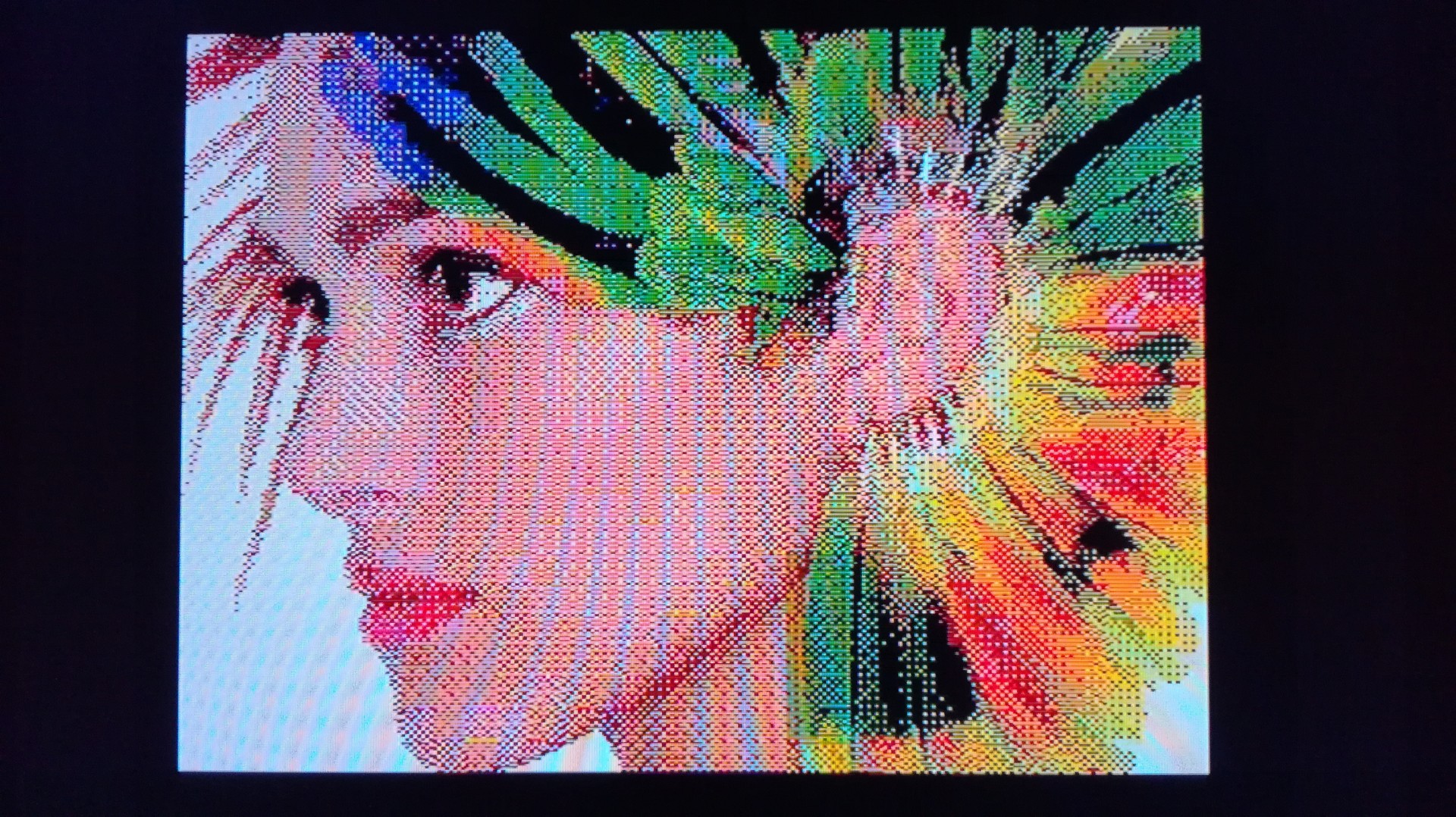
I have one idea. Add to NMI support for possibility show also other picture formats than SCR.
Browser may detect files with lenght 6144 and 6912 bytes and both show as screen.
Files *.IMG or .SCR with length 13824 bytes (2x 6912) show as interlaced screen (gigascreen, hi-res picture,etc..)
Files with lenght 12288 (2x 6144 bytes) show as Timex multicolor or Timex HI-RES screen.
I don't know if exist any fileformat for ULA PLUS pictures....

If anyone use LCD TV with ZX Spectrum, then may show this:
https://velesoft.speccy.cz/other/scrmix3.jpg

or gigascreen graphic:
https://velesoft.speccy.cz/other/IMG_20180402_011557.jpg

More info here:
https://www.worldofspectrum.org/forums/ … ion/56111/

270

Re: New NMI handler / .commands

velesoft wrote:

After small patches in software is very easy possible switching between more systems/roms, etc... No problem.

OK. Does this mean, even BS-DOS 3.09 can be bootet from? (divIDE, or divMMC too?)

271

Re: New NMI handler / .commands

Luzie wrote:
velesoft wrote:

After small patches in software is very easy possible switching between more systems/roms, etc... No problem.

OK. Does this mean, even BS-DOS 3.09 can be bootet from? (divIDE, or divMMC too?)

BS-DOS 3.09 is bootable only on DIVIDE and need manual switching of jumper... But systems switching is more comfortable with DIVMMC memory...

272

Re: New NMI handler / .commands

I can release small routine for switch between systems on DIVMMC.

273 (edited by Spezzi63 2018-05-28 16:40:18)

Re: New NMI handler / .commands

velesoft wrote:
Spezzi63 wrote:

Hi,
if .ownrom is used then Allram-Mode is switched, right?
Is a return to ESXDOS still possible?
Bye for now,
Günter

After small patches in software is very easy possible switching between more systems/roms, etc... No problem.

Should it be so easy then why not for the DivMMC and DivIDE ?
Greetings,
Günter

274

Re: New NMI handler / .commands

Divide use small memory, but with DIVMMC is all very easy. For example is possible use own 16kB zx rom with own system, but this need modification of both... Is not hard make patch for switch between own ZX rom(s) and ESXDOS, but esxdos will not available if this zx rom is set. But you may in any time switch from own rom back to zx rom with esxdos :-)

275

Re: New NMI handler / .commands

Hi,
Great work!
I've been using zx uno pack with my +2A spectrum, so maybe that will give you more context. It contains some 'run' files that show a very nice menu that helps finding the games in the pack.

With this NMI handler, the 'RUN' (no extension) items are just previewed with Hexdump instead of loaded and displaying the menu. With original Esxdos one, these commands are properly loaded.
Is there any way that they are considered just binaries like the normal NMI handler?